I Let an AI Into My Terminal

Today I tried something new.
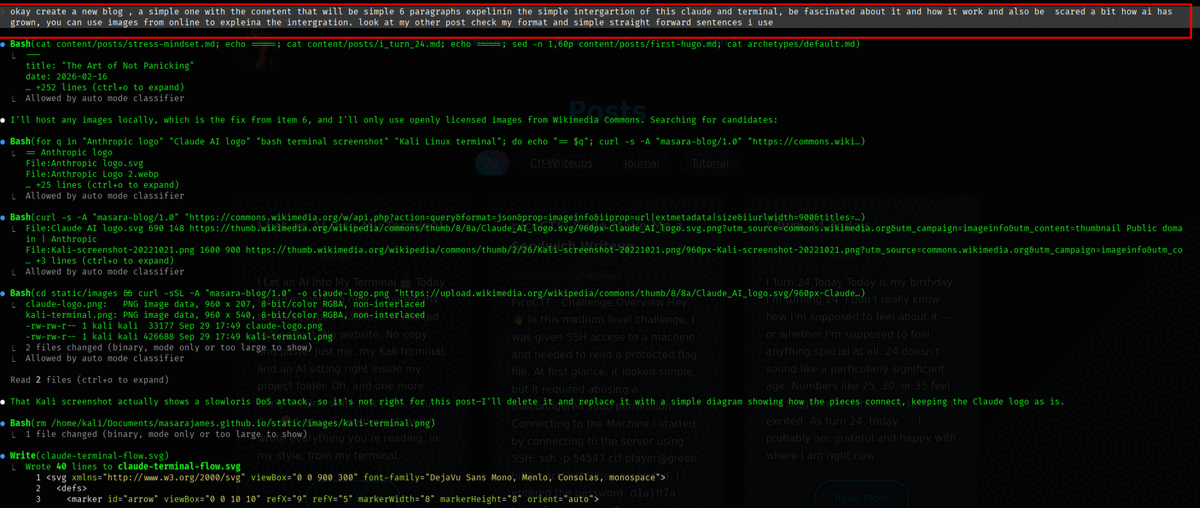
I opened my terminal, typed claude, and started talking to it.
No website. No copy and paste.
Just me, my Kali terminal, and an AI sitting right inside my project folder.
Oh, and one more thing.
I didn’t write this post. Claude did. 😳
I gave it one prompt, and it wrote everything you’re reading, in my style, from my terminal.
The setup is simple.
You talk. Claude thinks. Your terminal does the work.
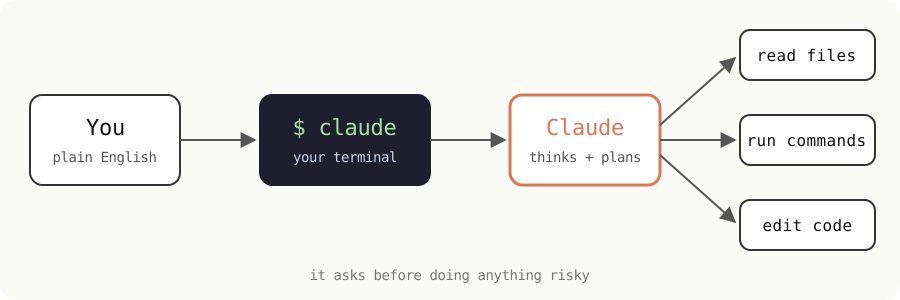
It can read my files. It can run commands. It can edit code.
And before it does anything risky, it asks me first ✅
I asked it one question: “tell me about this folder, it is my personal blog.”
In a few seconds it read everything.
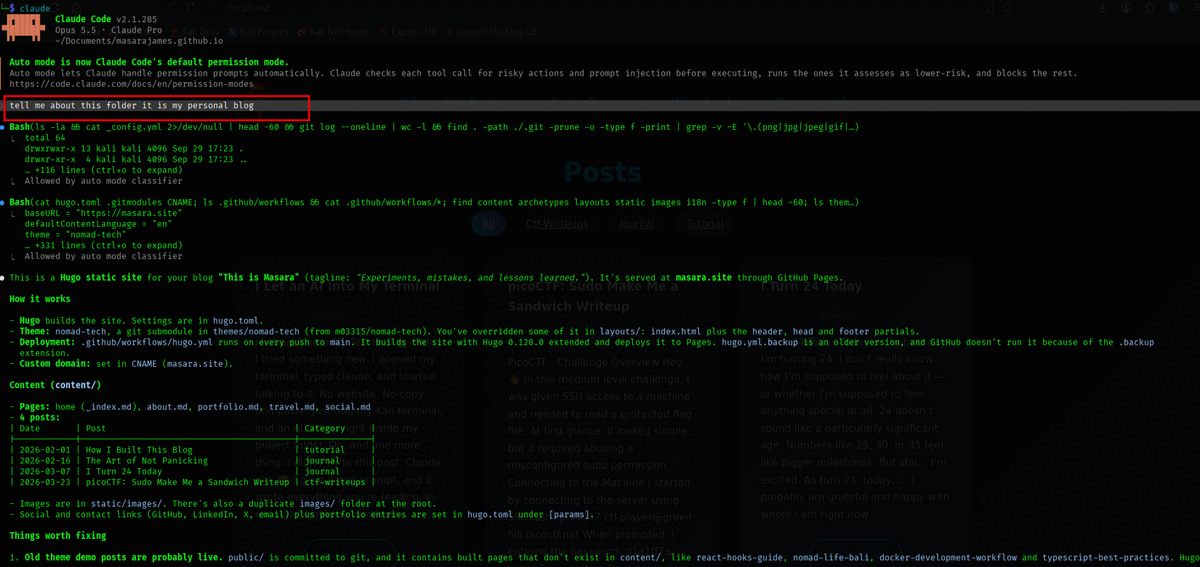
It told me my site is built with Hugo. It told me how it deploys. It found broken images I didn’t even know about 👀
Things I had missed for months. Found in seconds.
Then it got even better.
It found out that the image on my homepage never showed at all. Not once. Since I built this blog.
It downloaded Hugo, ran my site locally, and showed it to me.
Honestly? I just sat there watching it work 😅
But here is the part that got me thinking.
It is not perfect.
When it ran my site, it overwrote a bunch of my files by mistake. It noticed. It told me. It fixed it.
That’s good.
But it also means it can break things — fast.
So I read everything it does. Every command. Every change 🧠⚠️
And that’s where the scary part comes in.
A few years ago, AI could barely write a proper sentence.
Now it lives in my terminal, reads my code, and fixes my mistakes.
What does it look like in five more years? 🤔
I don’t know.
For now, I’m fascinated. And a little scared.
Both feelings can be true.
And yes — an AI just wrote a blog post about being a little scared of AI.
Let that sink in 🙃
Claude logo: public domain, via Wikimedia Commons.
